Inquire by email
Closed on Sundays and the second Monday of the month
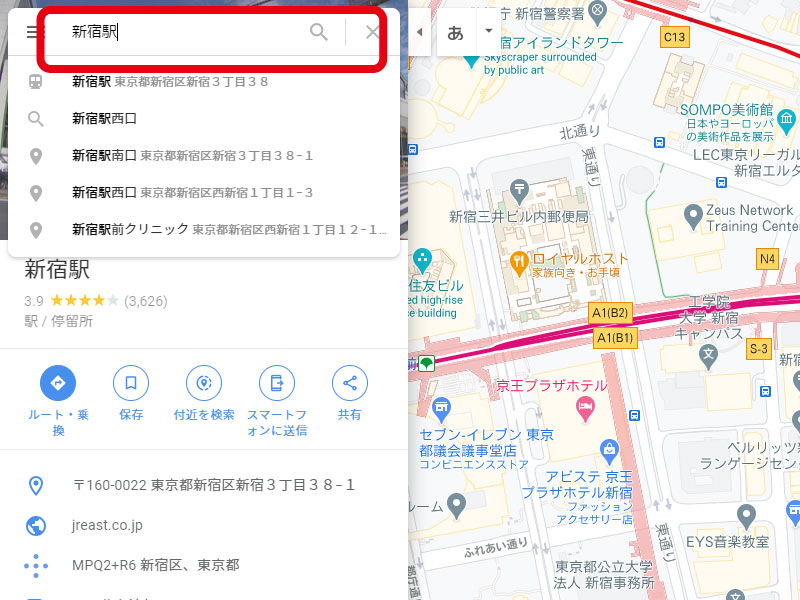
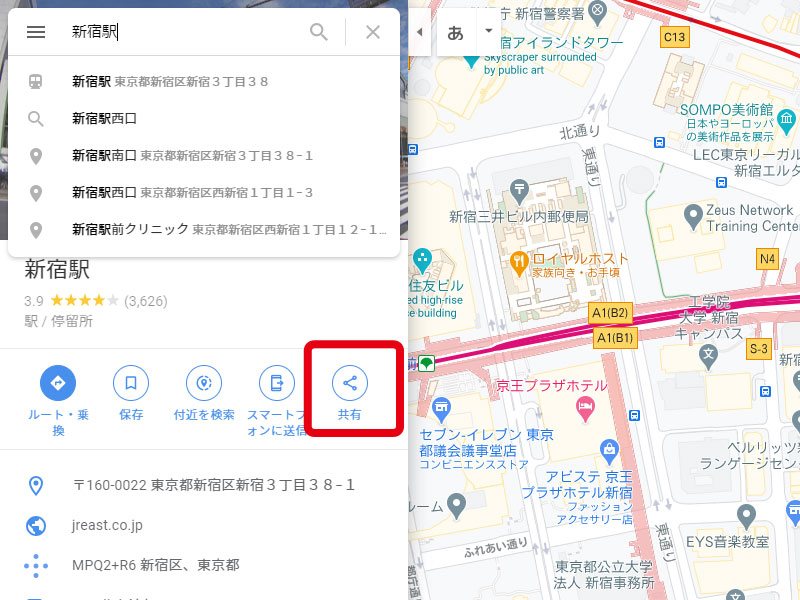
Enter your address in the search to display your destination.
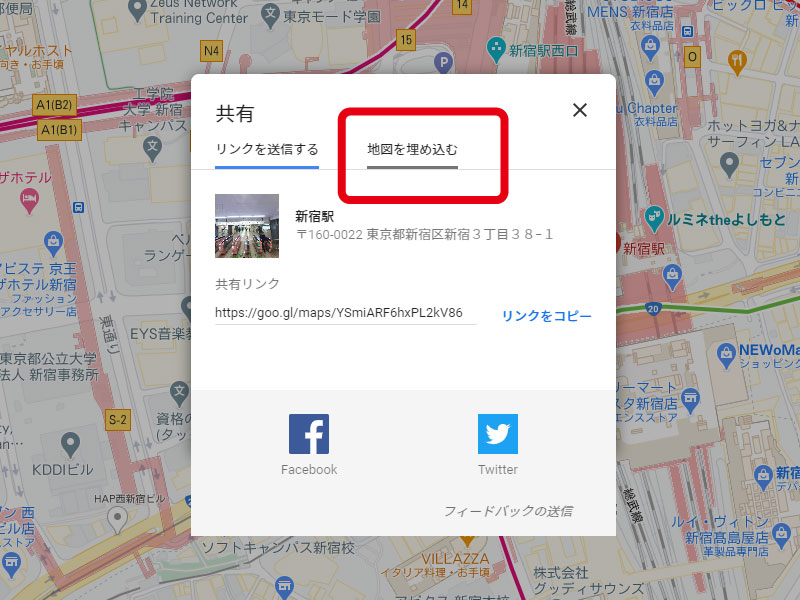
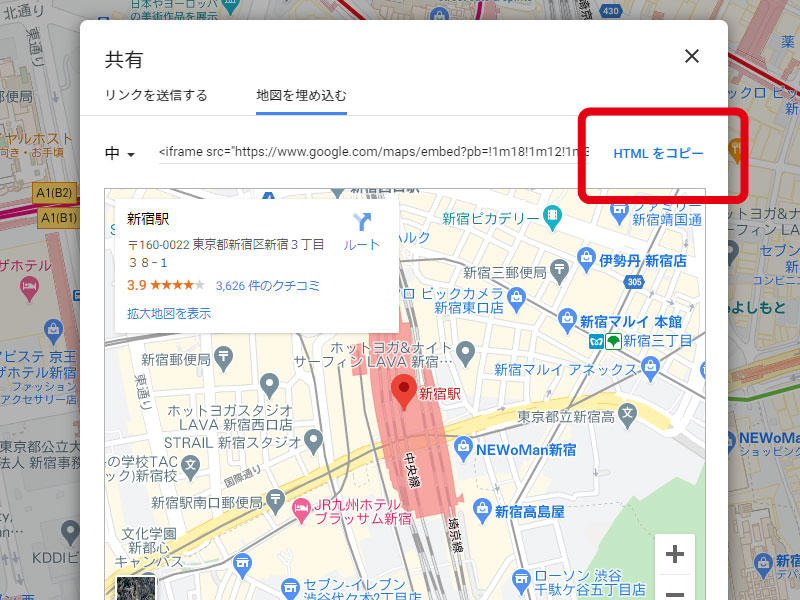
To paste into the editor, switch to "Source" view from the menu and paste the HTML.
※Places where you can paste are "Link management" and "Each cast's comments" These are the areas where pasting HTML tags is permitted, such as "New Information" and "Content Management (Free Text)."
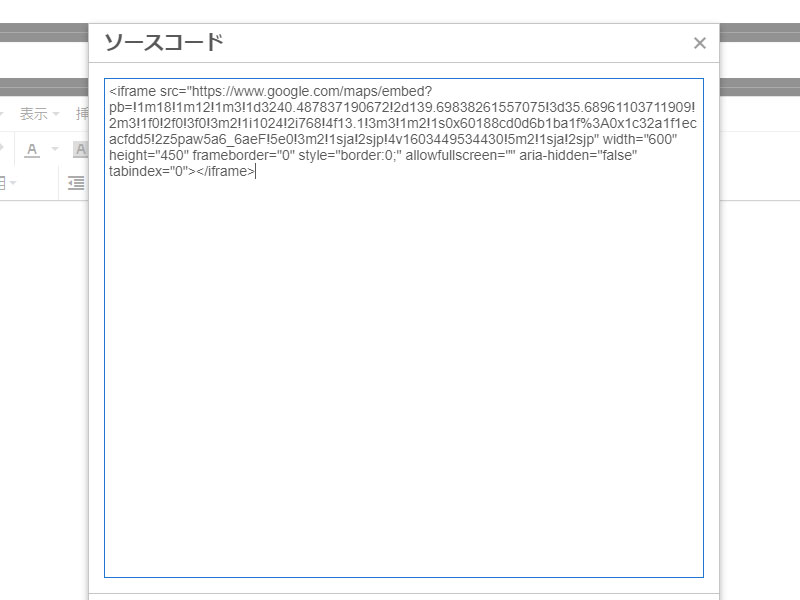
If the source is displayed as is, switch to "Source" view from the editor menu and paste the HTML.
There are no recent announcements.
\n