Inquire by email
Closed on Sundays and the second Monday of the month

"Photo diary"A girl (cast member) at the store uses her smartphone to post emails with images, so-called "photomails," and Features that can be viewed from the site like a diary is.
★Enhancement of site content → Improve the effect of attracting customers!
The main purpose of a homepage (WEB site) is to distribute information, so the amount of information, In other words, the richness of a site's content is the content that the site has. "value" It can be expected to have the effect of increasing
Also, you can hear the real voices of the girls (cast members) that you would not normally be able to hear.
Viewers feel closer and become regular customers who look forward to it.Maybe it will.
If the girls (cast members) feel that their posts will lead to responses from customers,It also increases girls' own motivation..
★No need to worry about updating!
Once you do the initial settings, each girl will be responsible for creating content (posting emails).
There is no need to bother the site operator.
Twitter You can expect some effect just by installing it on your site like Instagram or Instagram.
Applying for the photo diary option
※If you are creating a new site, please select the additional option of photo diary and apply.Issuance of account for Magnum photo diary site
※Please log in to the Magnum photo diary management page using the issued account and password.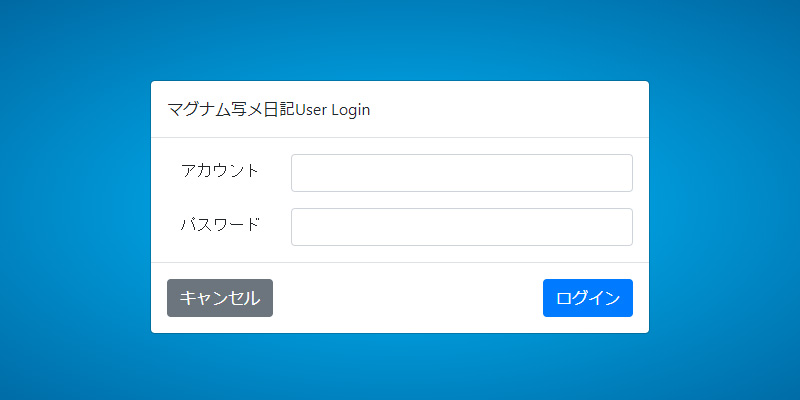
Register cast with cast management
※Register cast members who will use the photo diary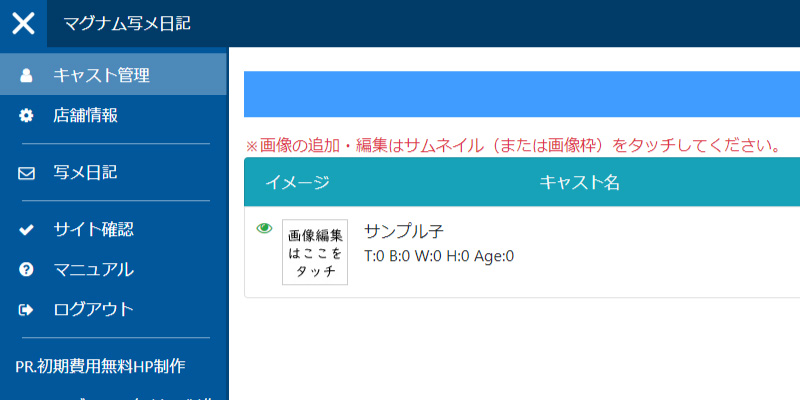
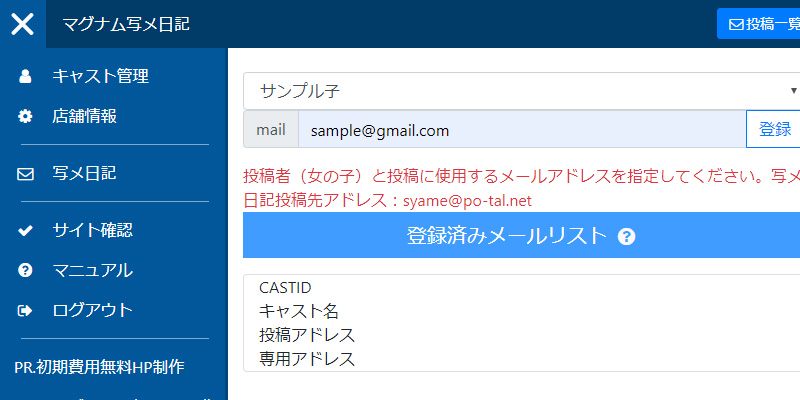
Register your email address from the address management screen
※Register the email address to be used in the photo diary and set the cast to be used.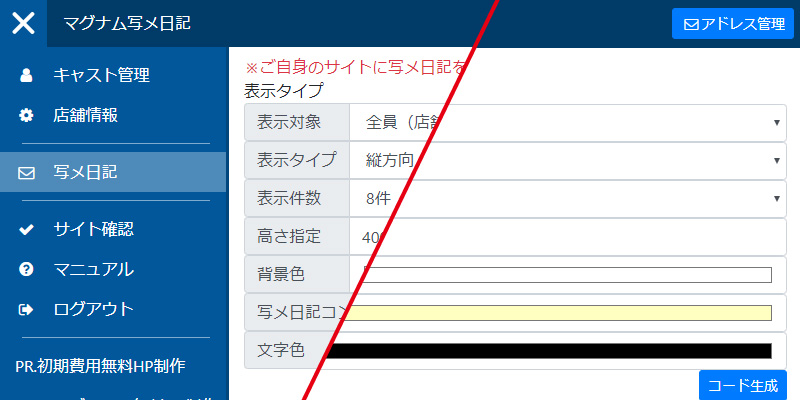
Issuing an embedding tag on the photo diary management screen
※Just set the necessary items and press the code generation button.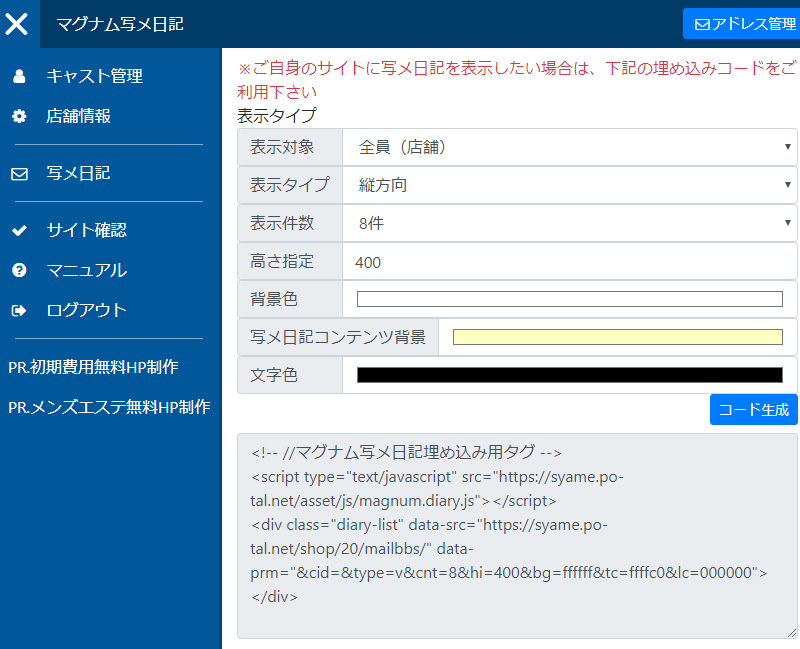
Install the generated photo diary code on the site
※Posted emails will be reflected in a few minutes.There are no recent announcements.
\n